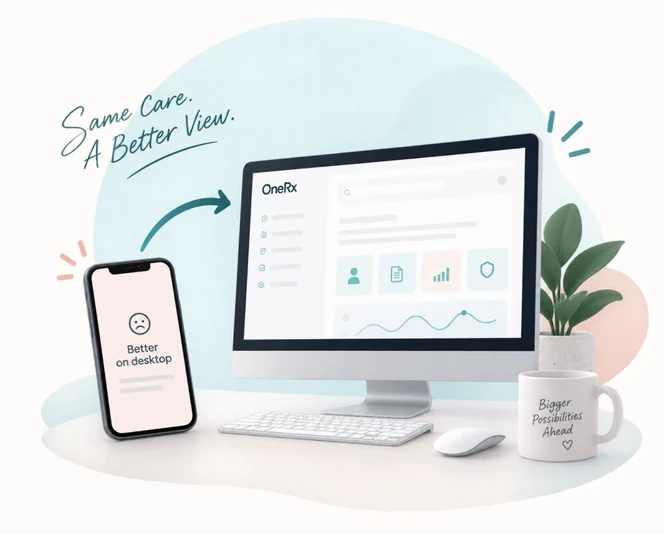
Desktop app for Canadian pharmacists
Clinical documentation, guided and secure
Canadian pharmacy documentation, guided and secure. Complete follow-ups, renewals, care plans, adaptations, and injection consent with step-by-step wizards—then finalize records in one focused workspace.
5+
Modules
Wizard-guided
Workflow
OneRx portal
Sign-in
Why RxScribe
Documentation that stays on track
A calm, module-specific experience built for pharmacy—not a generic form builder.
Guided wizards
Each documentation module walks you step-by-step—from medications and indications through preview and finalize.
Portal sign-in
Authenticate through the OneRx portal. Sessions stay in the desktop app; tokens never surface in the UI layer.
Clinical records
Browse, filter, and manage finalized records from your workspace after documentation is complete.
Built for pharmacy
Designed for Canadian pharmacy workflows with warm, focused UI and calm transitions that reduce cognitive load.
Documentation modules
Every workflow has its own path
Pick a module after sign-in and follow a wizard tailored to that type of pharmacy documentation.
- Module 01
Follow Up
Post-start or change review with indications, assessment topics, and structured documentation.
- Module 02
Renewal
Days supply, indications, and renewal-specific draft through preview and finalize.
- Module 03
Annual Care Plan
CACP/SMMA workflow: drugs, indications, care-plan form, and dedicated preview.
- Module 04
Adaptation
Adaptation type, supply changes, rationale, and shared documentation flow.
- Module 05
Injection Verbal Consent
Injection and route selection with verbal consent documentation and finalize.
Install RxScribe on your pharmacy workstation
Download the desktop application for Windows, macOS, or Linux. Sign in with your OneRx portal account to get started.
Ready to streamline your pharmacy documentation?
Register for a OneRx portal account, then install RxScribe to complete clinical documentation with confidence.
